
AI & Machine Learning
GPU workstations can accelerate AI model development, training, inference, data processing, and experimentation.
Built for engineering, AI, simulation, visualization, and other compute-intensive workloads. Choose the platform that fits your performance needs.
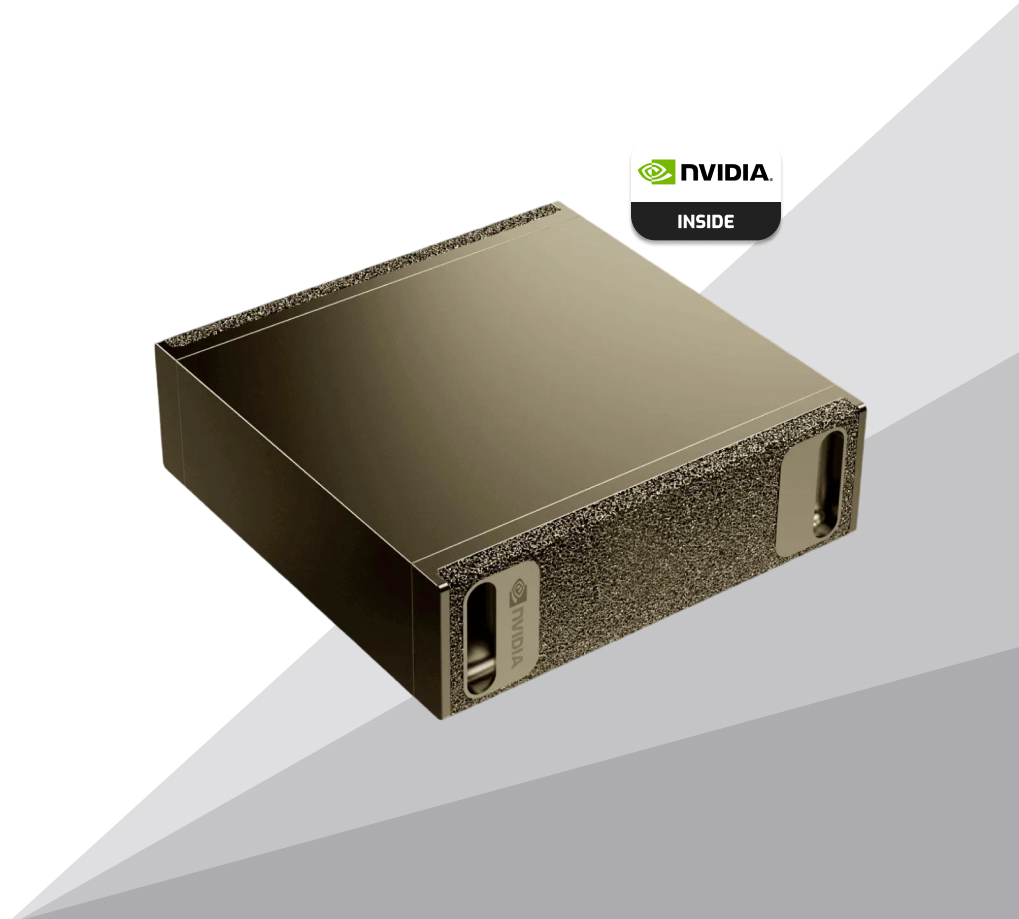
The NVIDIA DGX Spark is a compact desktop AI supercomputer powered by the NVIDIA GB10 Grace Blackwell Superchip, delivering up to 1 petaFLOP of AI performance, 128GB of unified memory, and enterprise-grade AI capabilities in a small, low-power form factor. Designed for researchers, developers, and edge AI deployments, it comes preloaded with the NVIDIA AI software stack and supports scalable on-prem model development, inference, and HPC workflows without requiring large-scale data center infrastructure.
Get a Quote



From AI and engineering to scientific computing, visualization, media production, and more, Aspen Systems workstations are engineered to handle demanding professional workflows. Explore your workload to find the performance and capabilities your applications require.
GPU workstations can accelerate AI model development, training, inference, data processing, and experimentation.
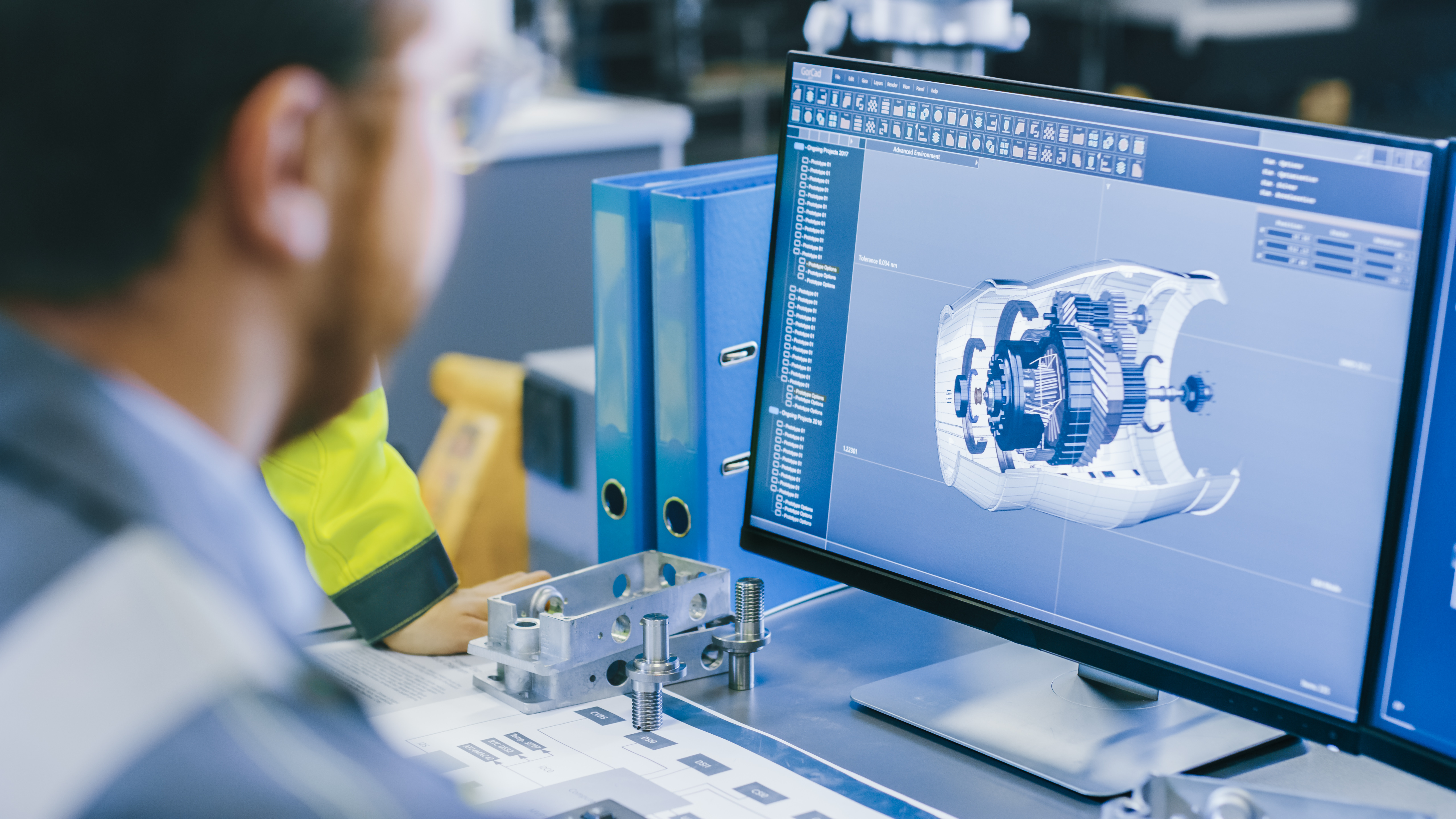
High-performance CPUs and GPUs help engineers run CAD, CAE, CFD, FEA, modeling, and simulation applications faster.
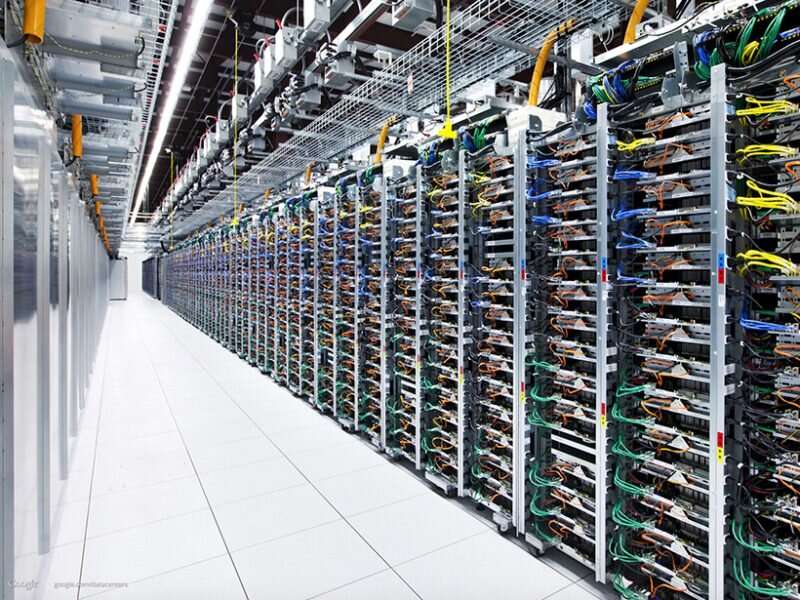
Researchers can use HPC workstations for complex calculations, data analysis, modeling, and other compute-intensive scientific workloads.
Professional GPUs provide the performance needed for 3D rendering, animation, visualization, and large graphical datasets.

Architects and designers can use professional workstations to handle BIM models.

High-performance CPUs and GPUs help artists work faster across 3D modeling, animation, visual effects, simulation, and complex creative scenes.

Professional workstations provide the performance needed for video editing, motion graphics, color grading, effects, and demanding media production.
:max_bytes(150000):strip_icc()/GettyImages-955491344-f978b8072db542cdbce83d48d9648d52.jpg)
Geoscience professionals can process seismic data, build subsurface models, visualize reservoirs, and run demanding exploration and energy workflows.
Researchers and medical professionals can accelerate computational imaging, life science analysis, genomics workflows, modeling.
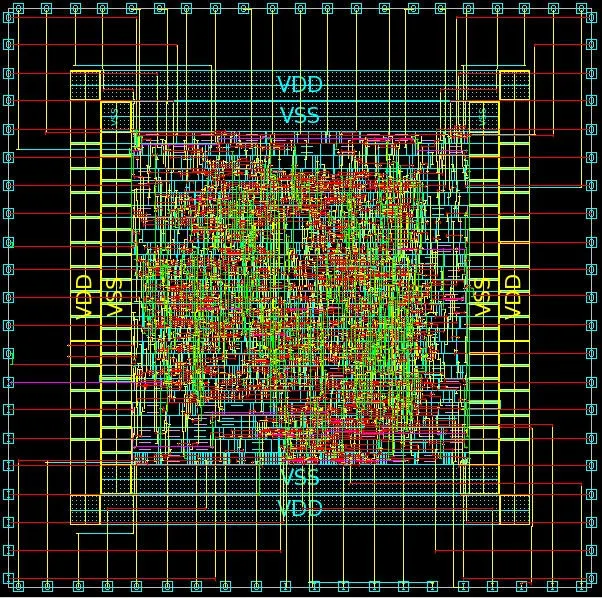
Engineering workstations support semiconductor design, verification, simulation, and other compute-intensive EDA workflows.

GIS professionals can work with large geospatial datasets, detailed maps, spatial analysis, visualization, and demanding location-based modeling workflows.

Game developers can build, test, render, and optimize complex real-time environments with powerful CPU and GPU performance.
Aspen Systems delivers production-ready workstations with expert installation, integration, and optimization of your complete software environment. We can install your preferred operating system, AI frameworks, development tools, and applications, including Red Hat Enterprise Linux, Rocky Linux, Ubuntu, SUSE Linux, PyTorch, TensorFlow, Keras, NVIDIA CUDA, and NVIDIA AI Enterprise. Our team configures and optimizes the software stack for your hardware, applications, and workflows, so your workstation arrives ready to work.











Explore the professional applications and software supported by Aspen Systems workstations across AI, engineering, simulation, visualization, scientific computing, media, and more. Your Aspen Systems sales engineer can help ensure your applications are compatible with your selected operating system and properly integrated into your workstation.
 AutoCAD
 SOLIDWORKS
CATIA
SOLIDWORKS
CATIA
 Siemens NX
 PTC Creo
 Autodesk Inventor
Tell us about your project and our team will get in touch to help you find the right solution.
Build an HPC Workstation Around Your Workload. Tell us what applications you run, the size of your workloads, and the performance you need. Aspen Systems can help configure an HPC workstation with the right CPU, GPU, memory, storage, networking, and cooling for your requirements.
Build Your WorkstationAn HPC workstation is configured specifically for compute-intensive workloads that require high CPU performance, GPU acceleration, large memory capacities, fast storage, or a combination of these resources.
Yes. HPC workstations can be configured with powerful GPUs for AI development, model training, inference, and data processing.
Yes. Depending on the chassis, motherboard, power, and cooling requirements, HPC workstations can support multiple GPUs for highly parallel workloads.
Memory requirements depend on the application and dataset. Aspen Systems can configure systems with memory capacity based on the specific workload being run.
An HPC workstation is often better when the workload can run efficiently on one powerful system. An HPC cluster is typically used when workloads require greater compute capacity or need to scale across multiple nodes.
Yes. Aspen Systems can design the workstation around the applications you plan to run and their CPU, GPU, memory, storage, and operating system requirements.
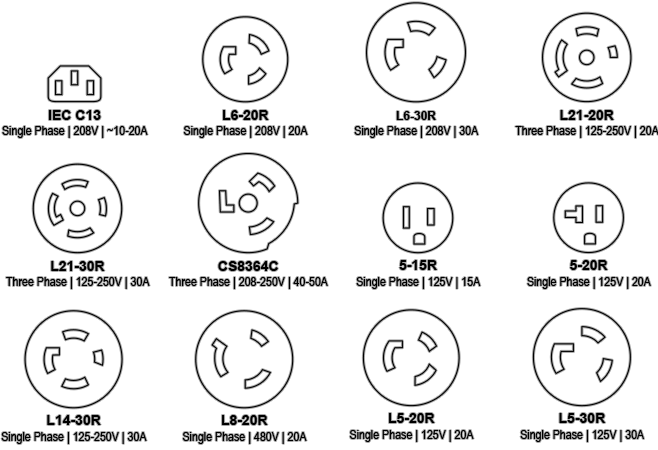
The most common plug/receptacle types you will encounter in North America are:
 Cooling
To figure out which size unit is best for your cooling needs: