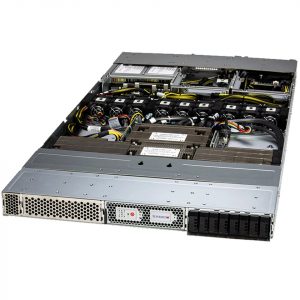
 SuperMicro
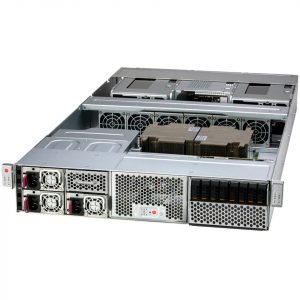 SuperMicro
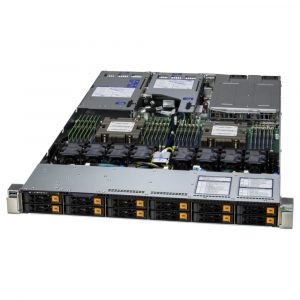 SuperMicro
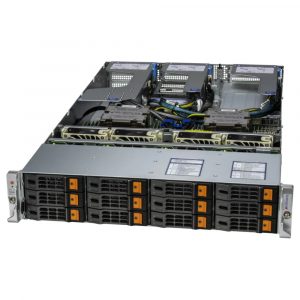 SuperMicro
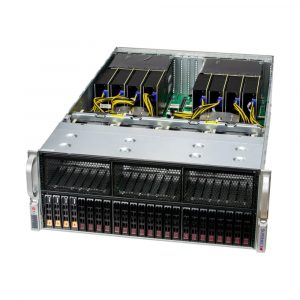 SuperMicro
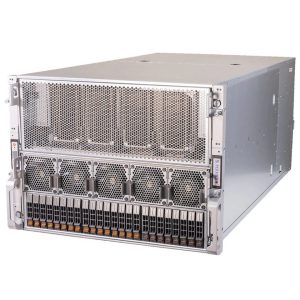 SuperMicro
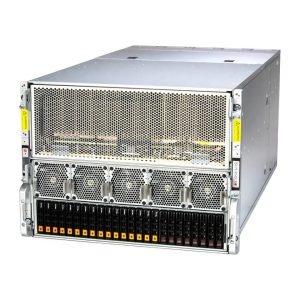 SuperMicro
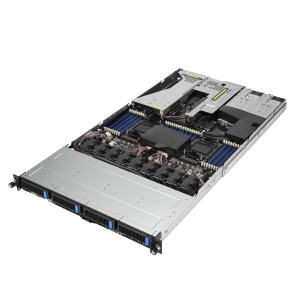 ASUS
ASUS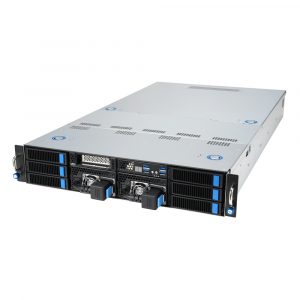 ASUS
ASUS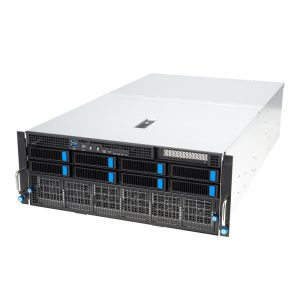 ASUS
ASUS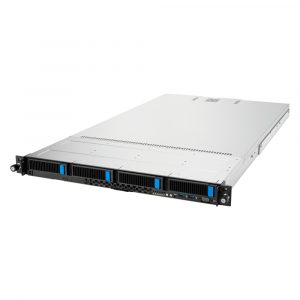 ASUS
ASUS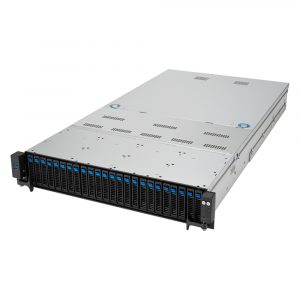 ASUS
ASUSCan’t Find It? We Can Build It.
Submit a quote request to the Aspen Systems team of sales engineers today.
Showing 1–12 of 18 results
Can’t Find It? We Can Build It.
Submit a quote request to the Aspen Systems team of sales engineers today.
Configurator Tutorial
Welcome to the new Aspen Systems Server Configurator 2.0. Here are some tips on how to get the best experience.
To get the best experience using the Aspen Systems website, we recommend creating an account. You can do this by selecting the “REGISTER” button in the top right corner of the screen.

If you wish to get a quick quote for a singular system, select the “Quick Quote” button in the lower right corner of the screen.
If you wish to create a quote that combines multiple systems, select the “Add to Quote” button in the lower right corner of the screen to add your system to your quote.
To view your quote, select the quote icon in the top right corner of the screen.

If you need support or experience any issues while using the Aspen Systems website, please reach out to our web support team at webmaster@aspsys.com or call 720-402-3201.
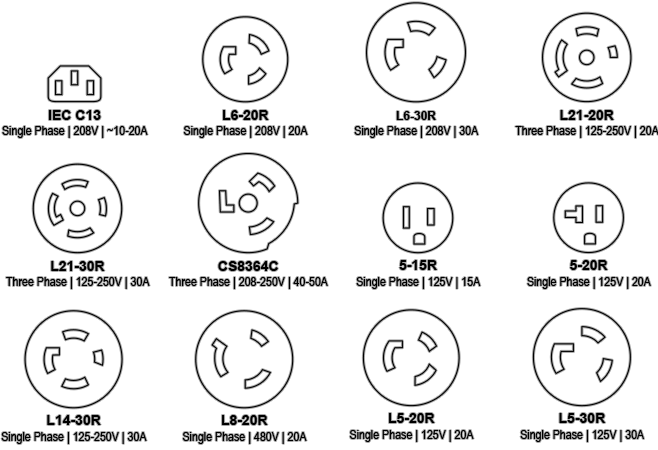
The most common plug/receptacle types you will encounter in North America are:
 Cooling
To figure out which size unit is best for your cooling needs: